Game settings
You can configure the global settings of your game in the game settings asset. It stores the configurations of Stride systems and additional properties.
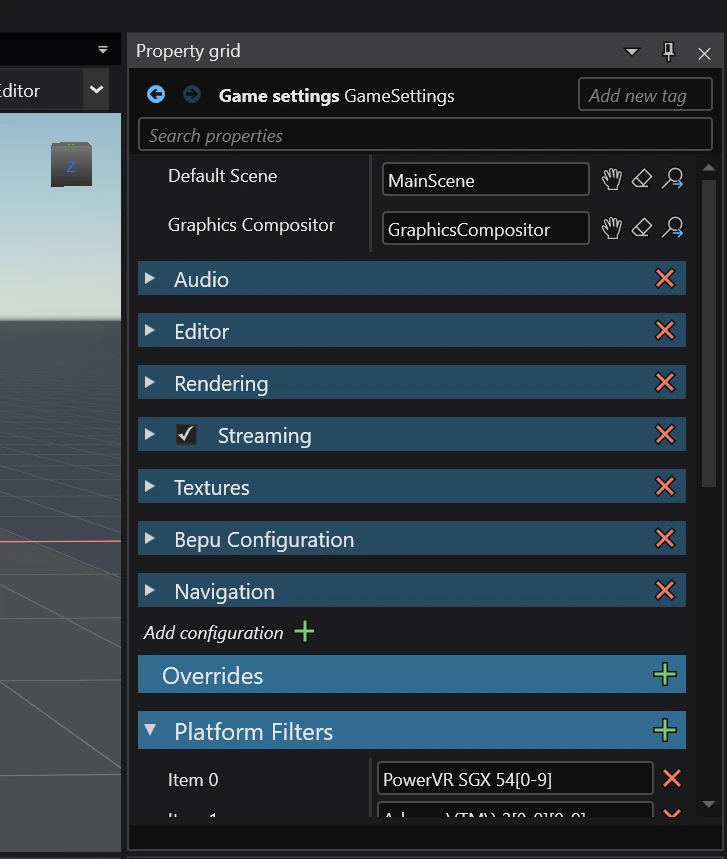
Location
The game settings asset is located at the root of the asset folder under the name Game Settings.
Warning
This asset cannot be moved or renamed! Stride looks for it specifically in that location. If it's missing, your game won't be able to even render anything!
Projects without game settings
In case the game settings asset is missing, Stride will continue to run using default settings. This is what happens when developing games using the code-only approach.
In order to have a playable game, you will have to manually create a graphics compositor and construct your default scene.
Accessing game settings in code
You can access game settings using the service system, or alternatively by accessing the Game class.
var gameSettings = Services.GetService<IGameSettingsService>().Settings;

// Alternative method
var gameSettings = ((Game)Game).Settings;