Splash screen
The splash screen is an image (usually a logo) displayed when your game starts. It fades in over the color you specify, then fades out.
Note
The splash screen is only displayed when the game is built in release mode.
By default, Stride games use the Stride engine logo as a splash screen.

Customize the splash screen
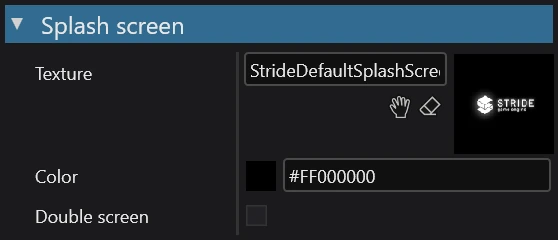
In your project's game settings, navigate to the splash screen section (it's at the bottom of the Property grid). This is where you can modify a splash screen's properties.
| Property | Description |
|---|---|
| Texture | The image (e.g. company logo) displayed as the splash screen. By default, it's the Stride logo. |
| Color | The background color of the splash screen. By default it's black (#FF000000). |
Note
When using a custom splash screen texture, you might want to disable streaming for it. This makes sure the texture is always loaded and displayed at the highest quality. For more information, see Textures > Streaming.
Disable the splash screen
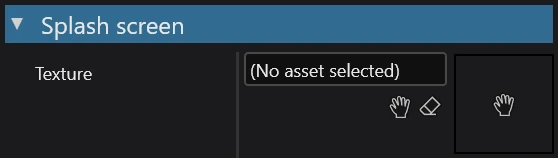
Stride won't show the splash screen if there is nothing assigned to the texture property.