Entities
Entities are game elements containing a collection of components that define what they are and how they behave (e.g. model component).
Entities can have child entities with their own components.
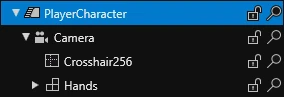
Every entity has a transform component that defines how it's positioned in relation to its parent.
Create an entity in Game Studio
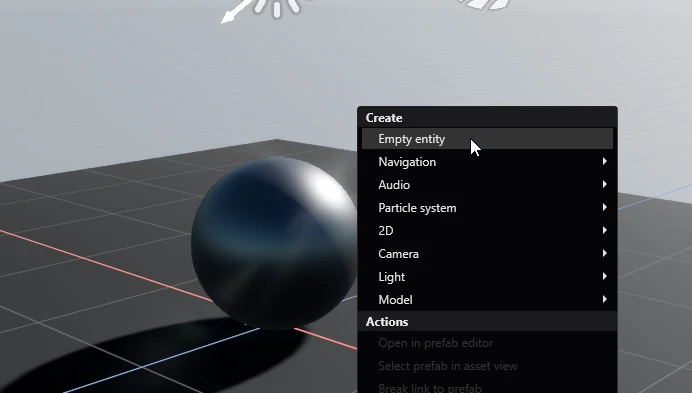
You can open the entity creation menu by pressing the ➕ icon at the top of the Entity tree or right clicking anywhere in the Scene editor. Here, you can select from one of the entity templates or create an empty entity.
Entities in code
Entities can be instantiated from a prefab, or created at runtime from scratch like so:
// Create a blank entity
var myNewEntity = new Entity("Entity name");

// Create an entity with components
var myNewLightEntity = new Entity("Entity name")
{
    new LightComponent(),
    new MyScript()
}
These entities exist outside of the game world in an inactive state — none of their scripts are doing anything. To change this, they have to be either:
Assigned a scene:
myNewEntity.Scene = MyScene;Added as a child of a scene:
MyScene.Children.Add(myNewEntity);Assigned a parent:
myNewEntity.Transform.Parent = myParent;Added as a child of an entity:
MyEntity.Transform.Children.Add(myNewEntity);
To remove an entity, simply set their scene to null.
entityToRemove.Scene = null;