Sub-scenes
On top of holding entities, scenes can also contain sub-scenes. In a recommended configuration, different parts of the game (e.g. levels) would be added as a sub-scene of the main root scene.
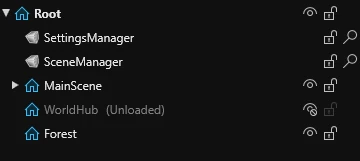
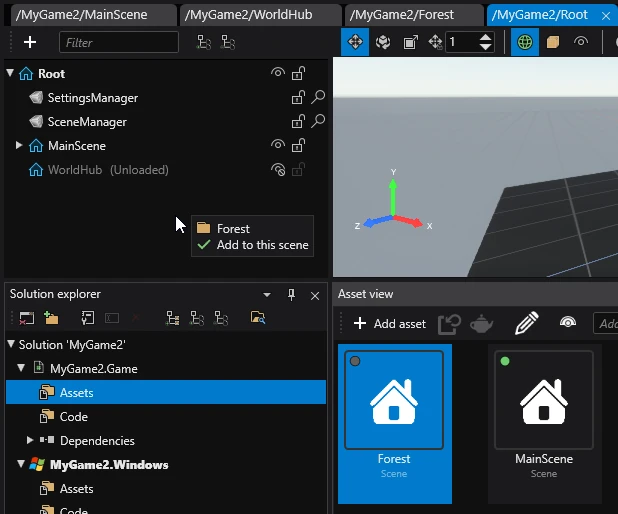
Adding a sub-scene in Game Studio
To add a sub scene, drag and drop a scene asset onto the Entity tree.
Note
Sub-scenes added in Game Studio won't affect how they are loaded at runtime. Adding them here is only done for organization purposes.
Toggling sub-scenes in Game Studio
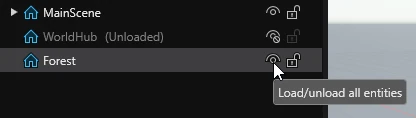
Sub scenes can be toggled by clicking the eye symbol next to them in the Entity tree.
Note
This does not impact how the scenes are loaded at runtime.
Sub-scenes at runtime
In order to use sub-scenes in the built game, you will have to manually load and add them in code.
public class Example : StartupScript
{
    public UrlReference<Scene> SceneToLoad { get; set; }

    public override void Start()
    {
        var scene = Content.Load(SceneToLoad);
        Entity.Scene.Children.Add(scene);
    }
}
For more information on how to load scenes, visit Scene loading.