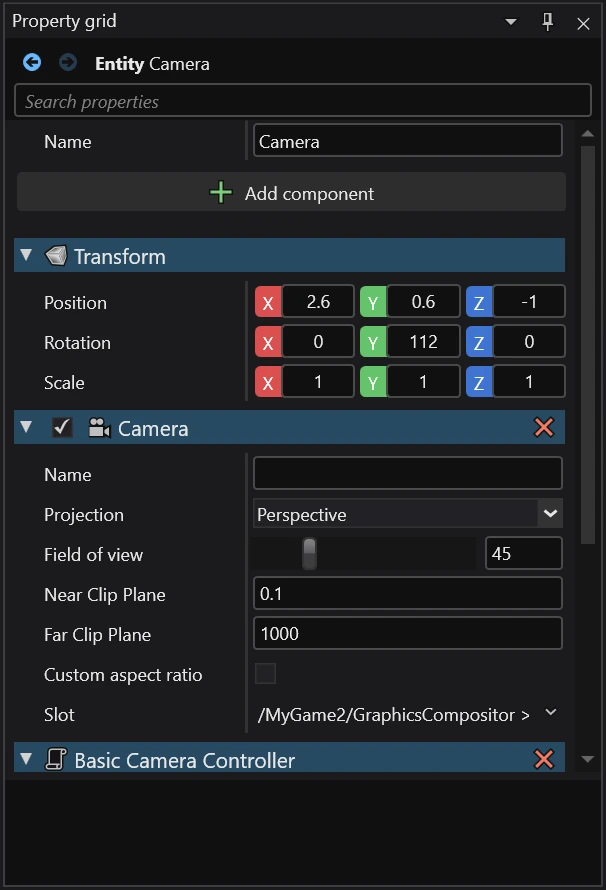
Property grid
The Property grid is an essential tool when working on a game. It shows a list of properties of the selected asset, entity or any other item that exposes modifiable values.
Search
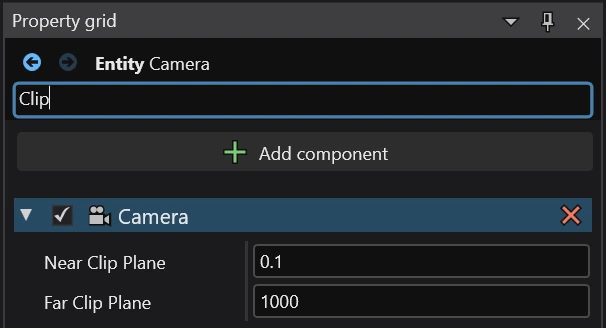
At the top of the Property grid, you can use the search box to filter properties based on their name.
Customizing the look of a property
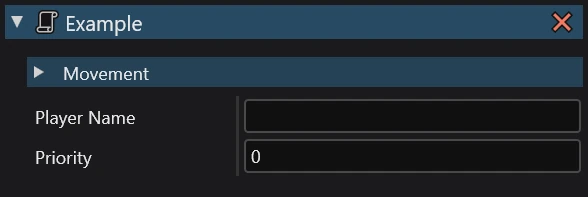
Stride allows you to customize how your properties appear in the Property grid using the Display attribute. You can use it to change the display name and category.
public class Example : StartupScript
{
    [Display("Player Name")]
    public string Name { get; set; }

    [Display("Player Speed", "Movement")]
    public float Speed { get; set; }

    [Display(category: "Movement")]
    public bool CanJump { get; set; }
}