Dedicated editors
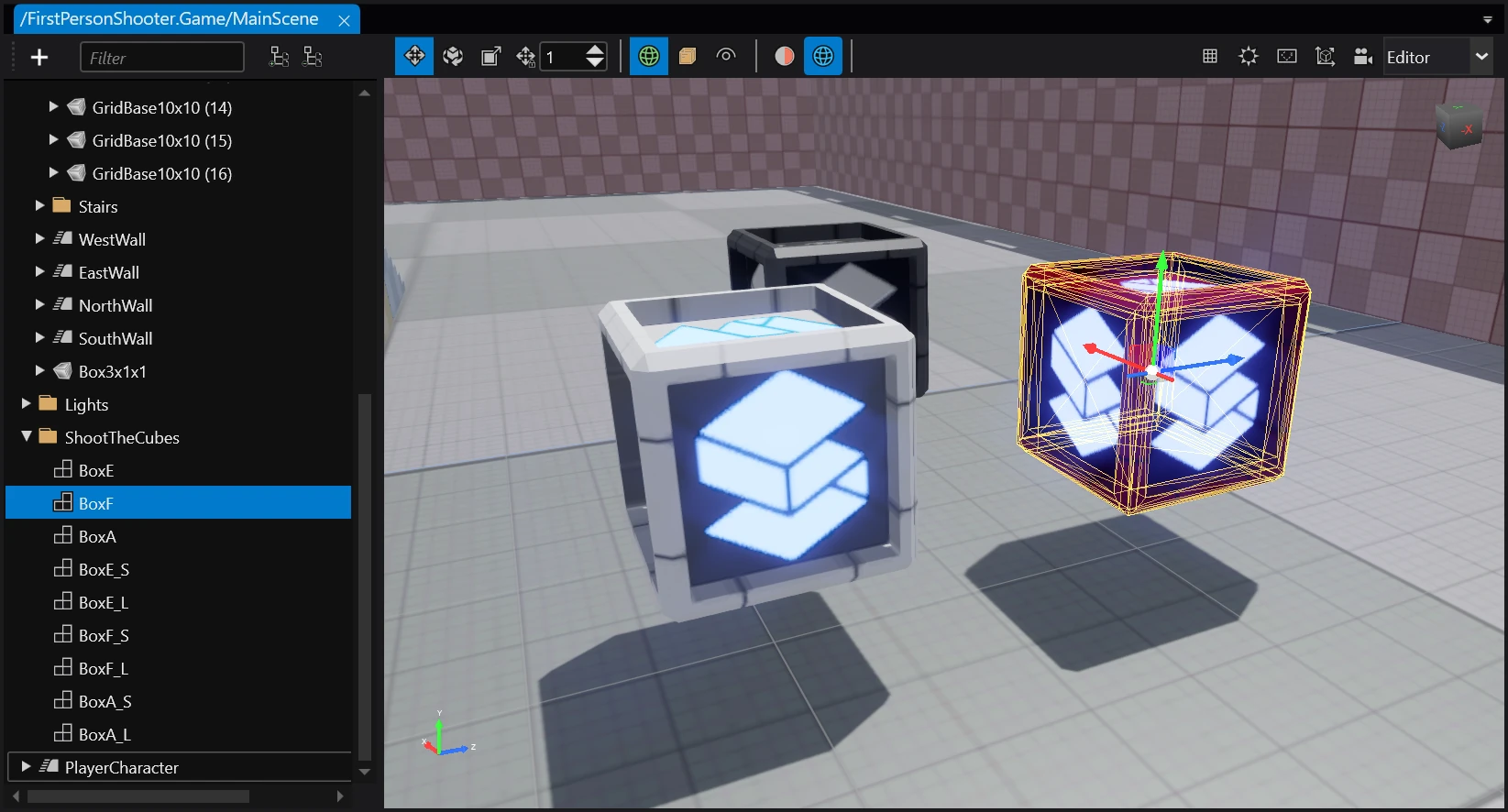
Some assets are too complex to be comfortably editable via the Property grid, so instead they have their own dedicated editors which are made specifically for them. An example of this would be the scene asset and the Scene editor.
The list of assets that have a dedicated editor include:
- Graphics compositor
- Prefabs
- Scenes
- Sprite sheets
- Ui pages
- Ui libraries
- Scripts
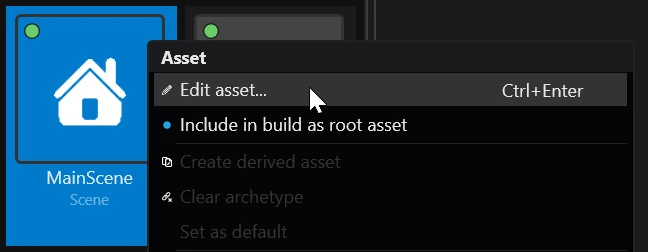
You can open an asset's dedicated editor by either double clicking it, right clicking an selecting 🖉 Edit asset or selecting it and pressing Ctrl + Enter.